ButcherMath Book a demo

Operations software for independent butcher shops

Count once.
Know all day.

Your team already counts, cuts, packs, and sells every single day. ButcherMath keeps that record connected instead of throwing it away — so tomorrow's production list writes itself.

In use in real butcher shops. Shaped by the workflows their teams follow every day.

Day sheet

Make first

Tomorrow

  1. Marinated chicken breast Display case down to 6 packs

    12packs

  2. Prime boneless ribeye Sold 22 lb in three days

    18lb

  3. House sausage Restaurant order due Monday

    24lb

Written from work already recorded

  • 6 deliveries received
  • 14 production entries
  • 218 POS sales

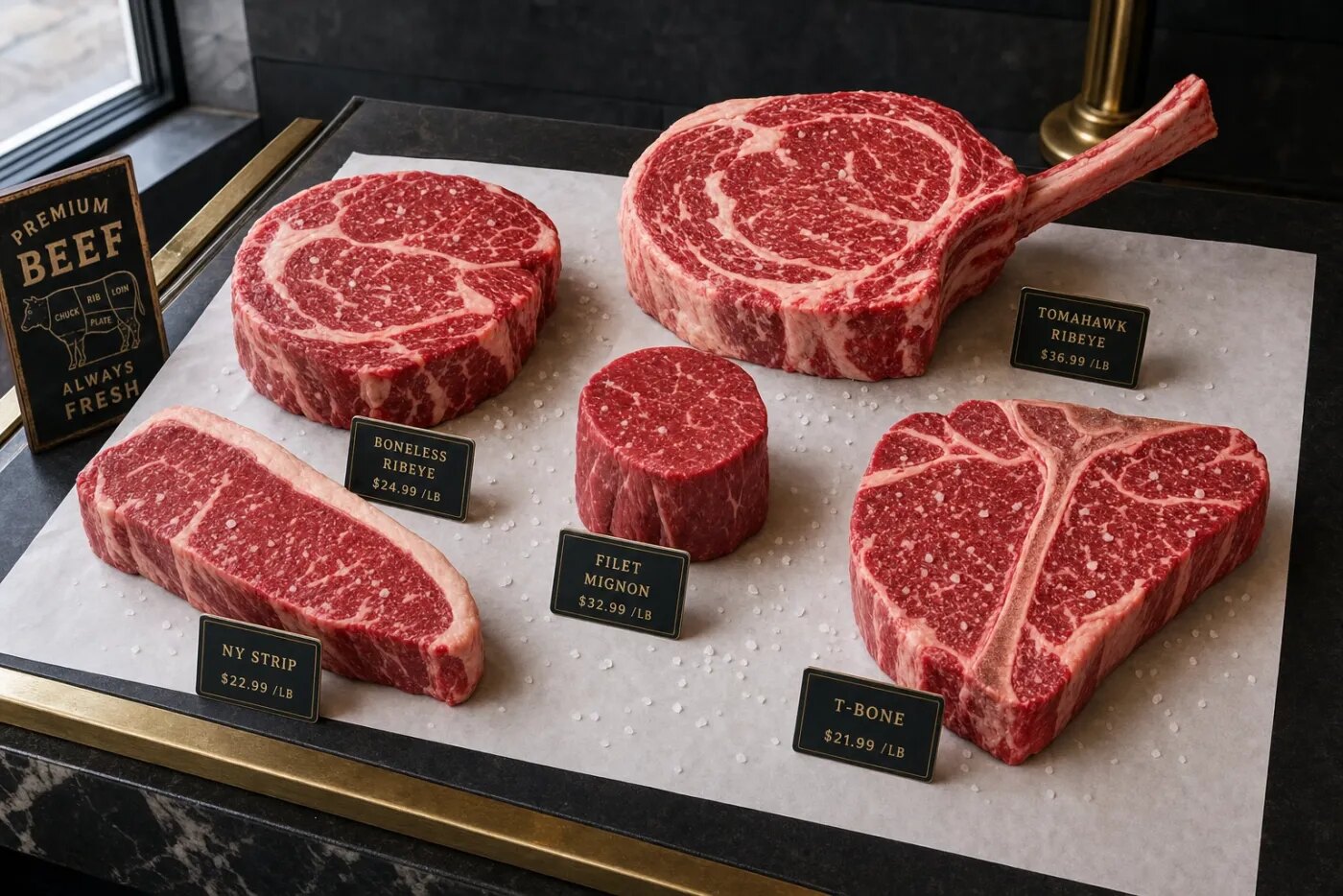
Illustrative product view

A selection of fresh beef cuts arranged for display
Fresh caseEvery cut changes what is ready to sell next.

01 The cost of counting twice

The information exists. It just never stays together.

The clipboard in the walk-in, the supplier text, the POS report, the restaurant invoice on the desk — each one is a true account of the same morning. Kept apart, none of them can answer a simple question.

So the head butcher counts again. Every day, before the first cut, reconstructing by hand what the shop already knew.

What do I need to make? Asked daily. Answered from memory.

02 One operating record

Four moments, entered once each.

Staff record an event where the work happens. Everything downstream updates because it is the same record, not a copy of it.

  1. Receive

    Log a delivery by count or by weight, straight from the supplier label.

    ResultStock exists, with its origin attached

  2. Make

    Break a whole product into cuts, pack a tray, or run a recipe.

    ResultInputs fall, finished goods appear

  3. Sell

    The POS system records retail sales. ButcherMath deducts matched inventory automatically. Restaurant orders go out on an invoice.

    ResultThe right products come down, once

  4. Decide

    Read what is low, what moved, and what is already promised.

    ResultTomorrow’s day sheet, ready to review

Corrections are entered as new lines, never overwrites — so a mistake stays visible and the history stays true.

03 Why generic inventory breaks

A side of beef is not a case of soda.

Warehouse software assumes what comes in is what goes out. In a butcher shop, one input becomes six products, loses weight while it waits, and gets sold three different ways.

Fresh case
One whole product becomes many variable-weight cuts
Sold on a PLU, priced by the pound
Packaged goods
A production batch becomes a known number of packages
Sold on a barcode through the POS system
Recipes
Meat, fat, and spice combine into one finished product
Every ingredient stays traceable
Yield
Trim, bone, aging loss, and the cuts you did not plan for
Counted, not quietly absorbed
Locations
Back production, front display, and the next shop
Make here, transfer there, know both
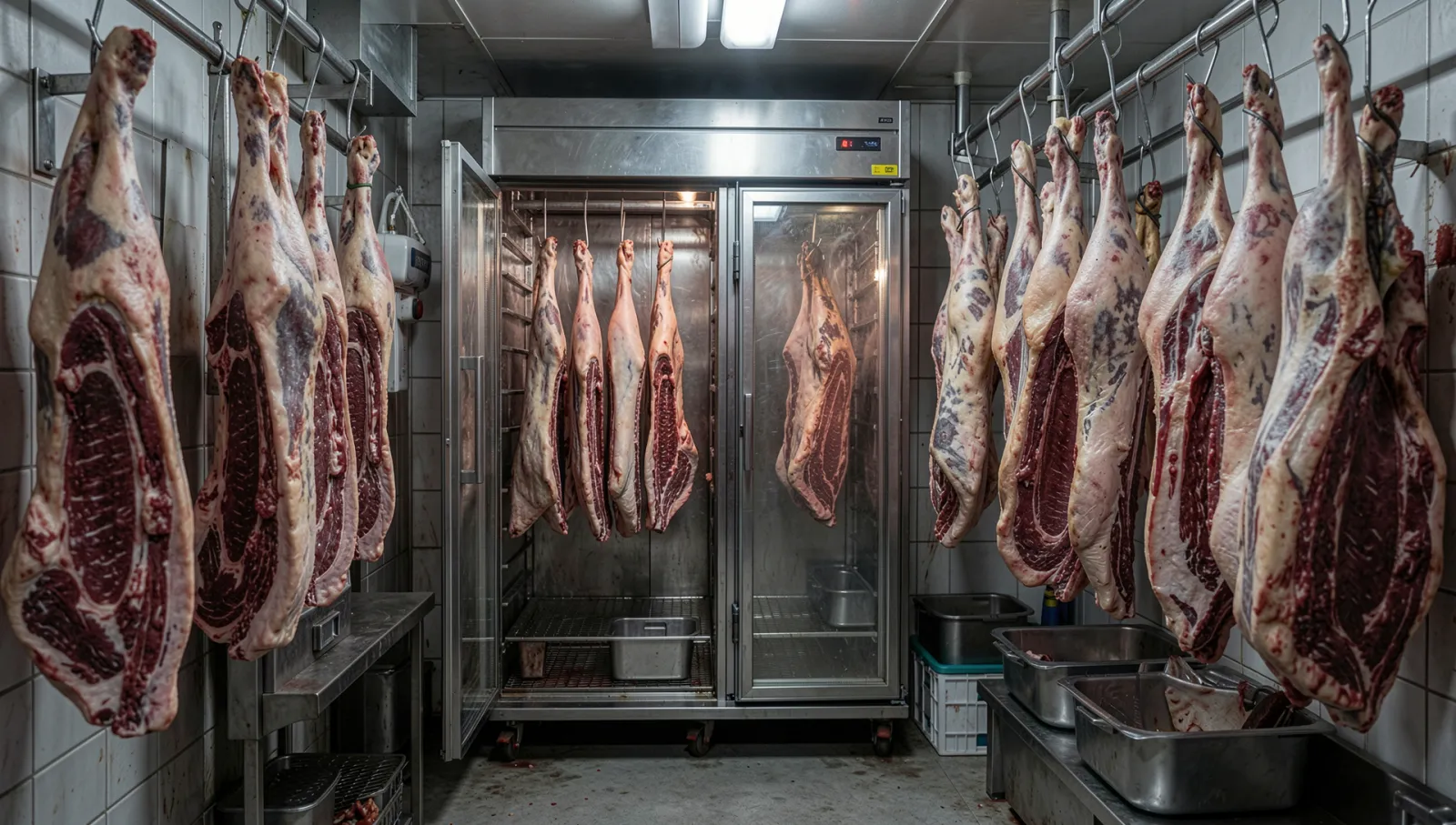
Sides of beef hanging in a butcher shop cold room
Cold storage Where the next day starts

04 Built in the real workflow

Working butcher shops

Production · retail · restaurant orders

ButcherMath is in use in real butcher shops and shaped by their daily receiving, production, inventory, and sales workflows.

  • POS sales and restaurant orders, side by side
  • Fresh-case cuts and packaged goods in one record
  • One shop today, built to hold the second

05 Before you book

Straight answers.

Do we have to replace our POS system?

No. Your existing POS system stays at the counter. ButcherMath integrates with it so each sale automatically deducts the matched inventory.

Can it handle products sold by weight?

Yes. Weight-based PLUs, price per pound, and expected yield are first-class — not a workaround bolted onto unit counts.

What about restaurant and wholesale orders?

They stay their own channel, with their own invoices and delivery dates, while drawing down the same connected stock as the counter.

Does the team need new hardware?

No. It runs in the browser on the phone or tablet already in the shop. Cold, wet hands and big touch targets were part of the brief.

What actually happens in the demo?

Bring one real production day. We walk it end to end — what arrived, what you made, what sold — and show you the day sheet it would have produced.

06 Your shop, not a sample one

Bring one real production day.

Tell us who you are and where the work gets complicated. We will reply to arrange a walkthrough around one real production day.

A tailored walkthrough. No commitment, no rip-and-replace.